
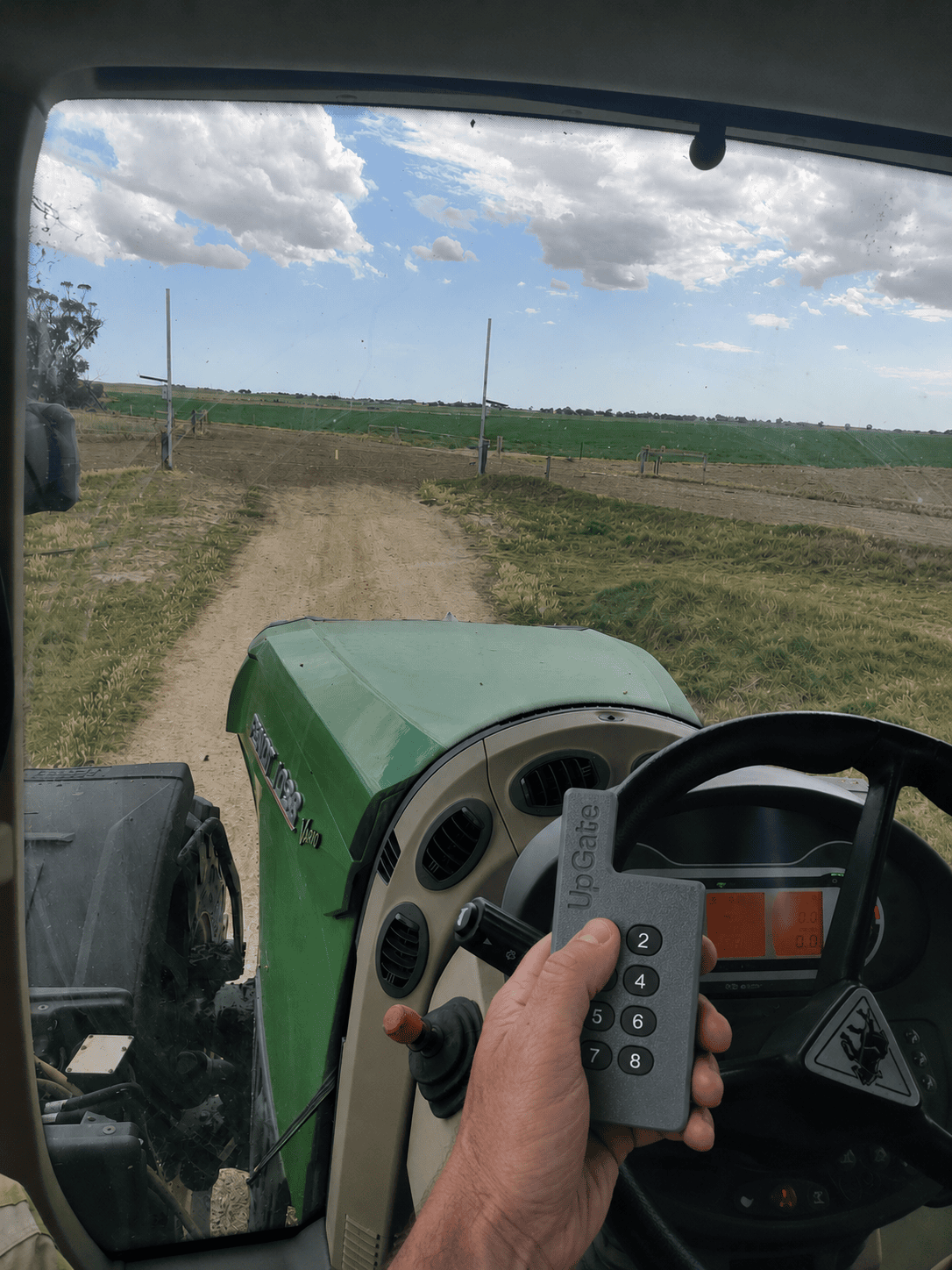
Open the gateway from the cab
UpGate® handles the repeated gateway stop with a familiar remote control. No climbing out, no wrestling with the electric fence.
- STEP 1
Press the remote
Operate the gateway from your tractor, ute or motorbike.
- STEP 2
Lift the bungy cord
UpGate raises the electrified cord overhead to clear the path.
- STEP 3
Pass and close
Drive through, then return the gateway to its working position.
Solar power where your gateway already is
The solar panel supports operation at internal farm gateways without running mains power across the paddock. UpGate connects into your existing electric fence system.
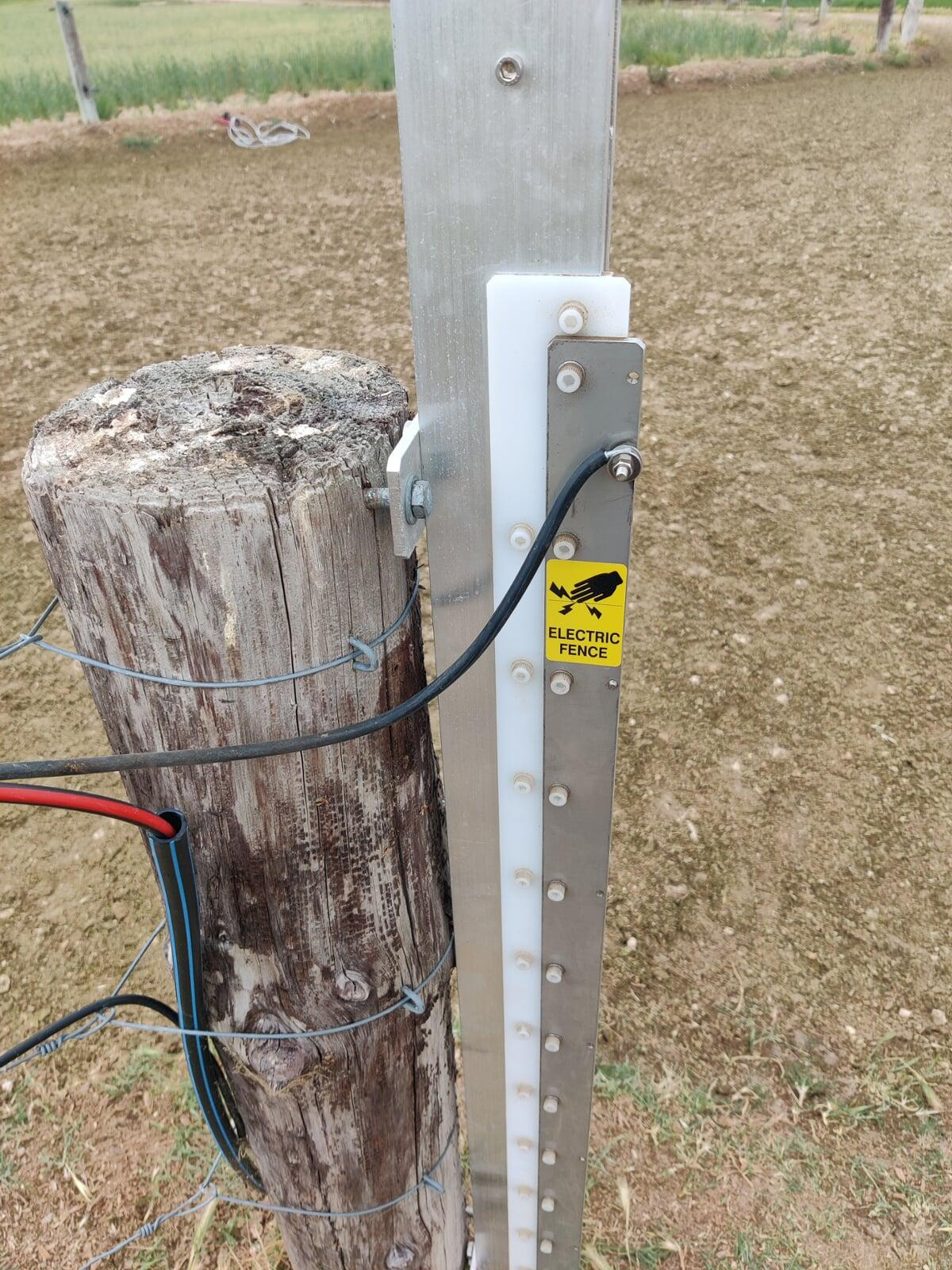
Attach, connect, and set your clearance
UpGate attaches to suitable posts with four coach screws, connects to the electric fence, and is configured for the gateway and vehicles you use.
Read the official UpGate V1 manual
Use the illustrated 19-step manual for installation, remote pairing, safety checks, maintenance and warranty conditions.
Download the PDF manualReady to stop opening the same gate all day?
Tell us what moves through your gateway. We’ll help you choose the right UpGate configuration.